



Windows’ ARM journey with Qualcomm Snapdragon onboard wasn’t exactly off to a flying start. There have been compatibility issues for some apps outside the most popular ones, and sales figures haven’t exactly been where the companies would have expected. While I mostly liked the first take in my personal usage, the new X2 chip and improved behind-the-scenes app development work promise to make it more competitive against the likes of Intel and AMD offerings.
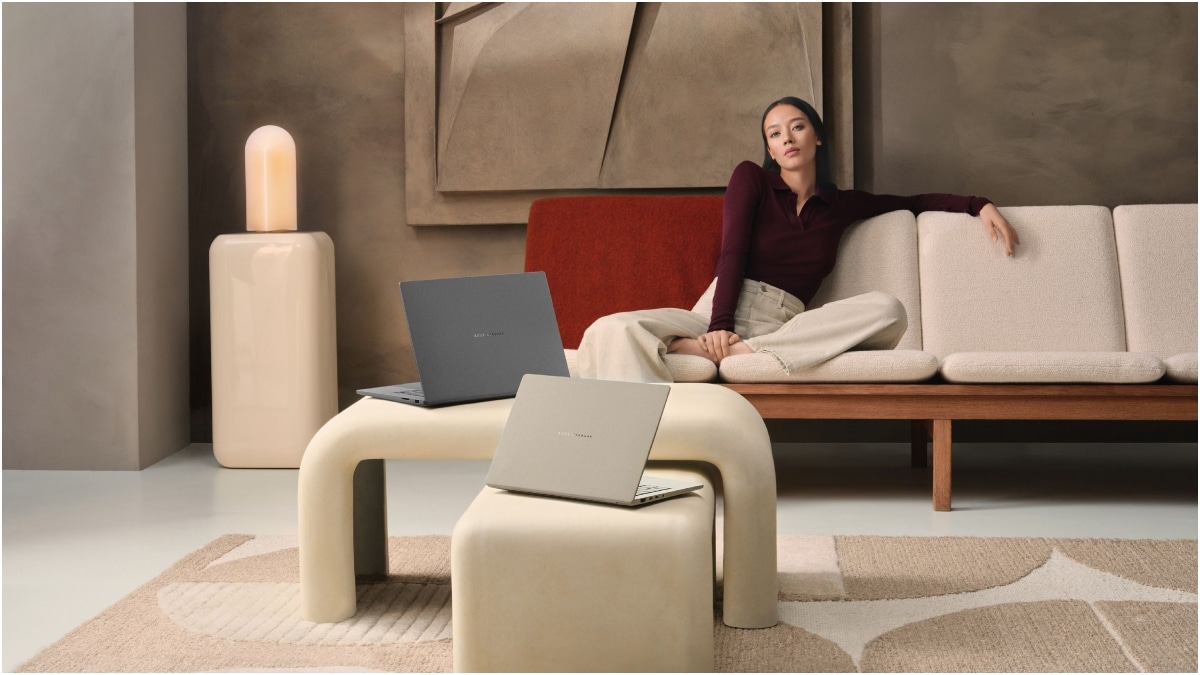
The ASUS Zenbook A14 (UX3407) 2026 model is lightweight (slightly under 1 kg) with a slim profile sitting at around half an inch in thickness. This, along with its battery life — which I found to be a solid whole day on Standard mode and close to two working days on Whisper mode while using it for editing documents, watching an hour of videos, 2–3 hours of web browsing across two web browsers, plus occasional light Excel work — makes it a great option to consider for working on the go while keeping your carry weight in check.
The left side of the laptop carries one HDMI 2.1 port, two USB 4.0 Gen 3 Type-C ports, and the 3.5 mm audio jack, while the right side only has a USB 3.2 Type-A port. It would have been nice to have at least one more USB Type-A port or a microSD card slot. The 2 MP webcam doesn't have a physical shutter. The laptop’s chassis and casing are made of aluminium alloy with a ceramic coating that feels comfortable on the hands and wrists; plus, I didn’t find the laptop catching smudges and fingerprints often. The hinge feels sturdy and opens up to 150 degrees only.
Talking about the 14-inch Full HD+ (1920x1200) OLED that’s in a 16:10 aspect ratio — no major complaints about the display other than it’s 60 Hz only. This display has good rich blacks, great viewing angles, and just about sufficient brightness to play HDR content on. Its colour reproduction is quite vivid, typical of most OLEDs on a laptop display these days. The backlit keyboard is comfortable and sufficiently spaced out for typing with the laptop on your, well, lap. The trackpad has that familiar large size and was responsive to standard Windows gestures used daily. The down-facing speakers are generally clear, though not the loudest for the price tag, and of course go mushy when the laptop is placed on a non-flat surface. The bundled 100 W charger can top it up in about 2–2.5 hours when in use.
The A14 comes with the Qualcomm Snapdragon X2 Elite X2E88100 chip (18 CPU cores and Adreno X2-90 GPU) with up to 80 TOPS for AI/ML applications, 16 GB LPDDR5X RAM, and a 512 GB M.2 NVMe SSD (upgradable), plus 100 GB of cloud storage from Microsoft for one year. It’s running on Windows 11 Home 26H1 version. I found the laptop handled tasks such as Microsoft Excel, Word, YouTube in Chrome, plus Google Docs alongside Microsoft Teams without any trouble. While native support for ARM on Windows keeps improving, there’s certainly still room for improvement for games like Shadow of the Tomb Raider, or gaming in general, which is yet to really catch its AMD and Intel counterparts. For other use cases, this work and entertainment machine is more than just good enough, though I would still recommend you check whether your most frequently used apps are fully compatible while making the buying decision.