



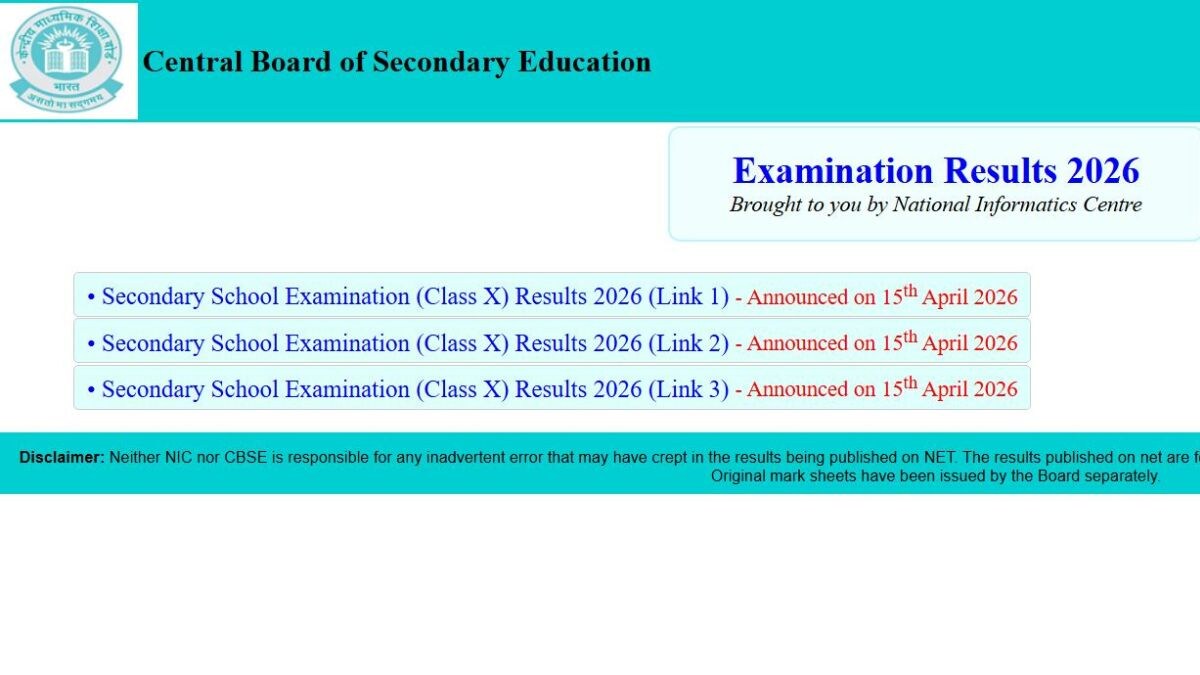
The Central Board of Secondary Education (CBSE) has announced the CBSE 10th Result 2026 on April 15. This year, the Board conducted the Class 10 examination from February 17 to March 11 in a single shift. The exams were conducted from 10.30 am to 1.30 pm.
Passing mark details:
Students who have appeared for the CBSE Class 10 board exams need to score a minimum of 33 per cent to be declared as passed. Those students who have failed to secure the minimum required percentage will be asked to appear for the compartment examination.
Where to check the results:
Candidates who have appeared for the exam can check their results online on the official websites of the CBSE at cbse.gov.in, results.cbse.nic.in, cbseresults.nic.in. Additionally, results can also be checked at DigiLocker and the UMANG application.
The Board had announced that a press conference would not be conducted to announce the Class 10 results. The pass percentage, gender wise details, state-wise performance and other information will be shared by the Board on the website.