



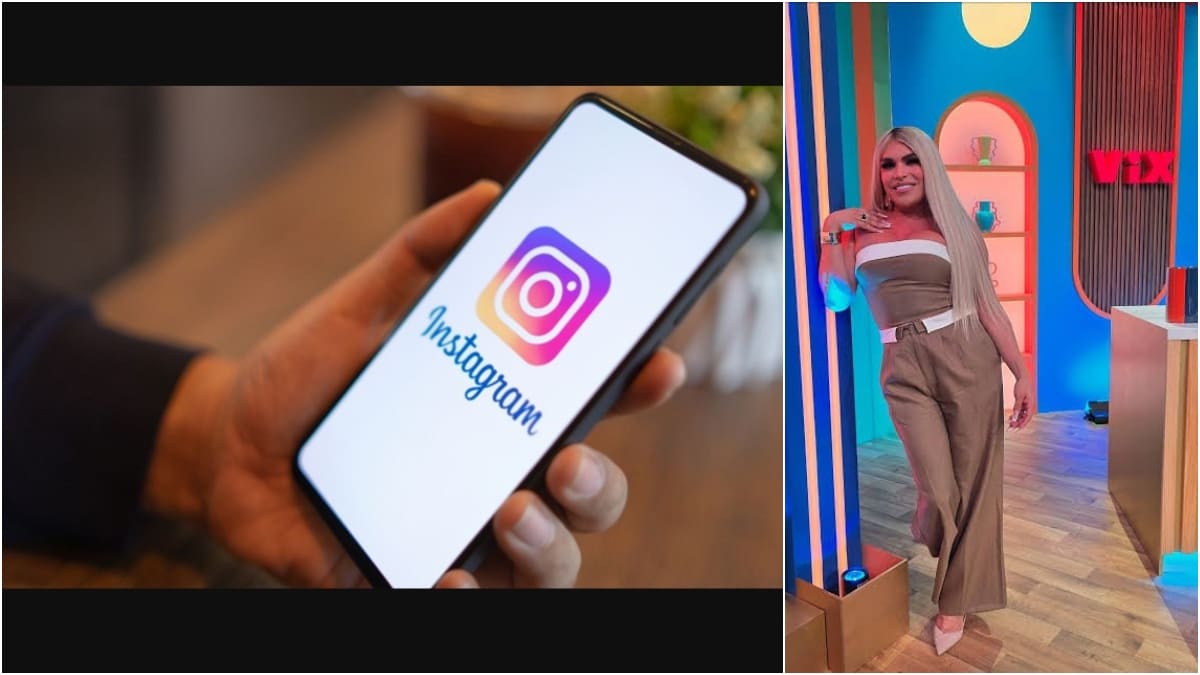
A private video leak involving transgender social media sensation Wendy Guevara has brought the discussion back to the need to protect one's Instagram account.
The influencer, who has over 7.7 million followers on Instagram, found herself in a precarious position after two brief private videos were posted as stories from her verified handle. Although they were taken down quickly, several people had enough time to screen record the clips and further amplify them across social media platforms.
The "La Casa de los Famosos" (The House of the Famous) reality show star confirmed the video leak in a video message. She said in the live stream that her phone was stolen and, despite having taken steps to restrict her location and communication, the videos were posted online. "I'm not going to wear myself down mentally; what I like is working," she said.
So, what can one do to protect their social media, Instagram in particular, from unauthorised use?
Being cautious of phishing attempts is the first thing to do. Instagram will never ask for your password via email, so be aware of suspicious emails or messages that ask for your login information. If you receive such a suspicious message, avoid clicking on them. You can also verify if an email is genuine by checking the "Emails from Instagram" tab in your account security settings. Here are some other basic steps to ensure your Instagram is safe from people with malicious intentions:
- Enable Two-Factor Authentication (2FA): This is the single most effective step you can take to protect your account. 2FA requires a second form of verification (like a code sent to your phone or generated by an authentication app) in addition to your password whenever there is a login attempt from an unrecognized device. This means that even if someone has your password, they can't log in without access to your phone.
- Remember your secondary devices: Always log out from devices you do not personally own. Regularly using a computer or tablet is no reason to stay logged in unless you take it home with you. Shared office devices, a friend's phone, or public computers are all problems when it comes to privacy.
- Never compromise on your account password: A strong Instagram password should be a combination of at least six numbers, letters (both uppercase and lowercase), and special characters. Never use obvious combinations or names, and do not stick to the same password for long. Using names, birthdays, or common words is risky given how innovative cyber fraudsters have become.
- Check your login activity: Go to your Instagram settings to see a list of locations and devices that have recently logged into your account. If you see any unrecognised activity, you should log out from those devices and change your password immediately.
- Review and revoke access for third-party apps: There are many apps and websites that seek permission to access your Instagram account. Revoke the permissions in your Instagram settings when you no longer require a particular service or cannot remember why they were needed in the first place.
- Protect your email: The email address linked with your Instagram account is a potential entry point for hackers. While it may sound tedious, ensuring that you periodically change your email account's password can reduce the risk. Make it a habit to always go for strong, unique passwords.